
Using product list block in review request email
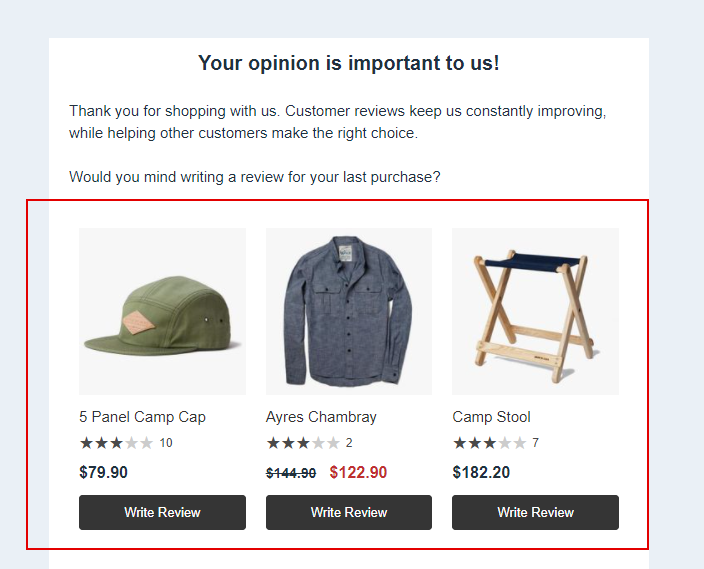
You can use product list block to direct users to write reviews for products from their last purchase.
Setup Reviews Collector
First, setup a reviews collector page that will be used for collecting reviews.
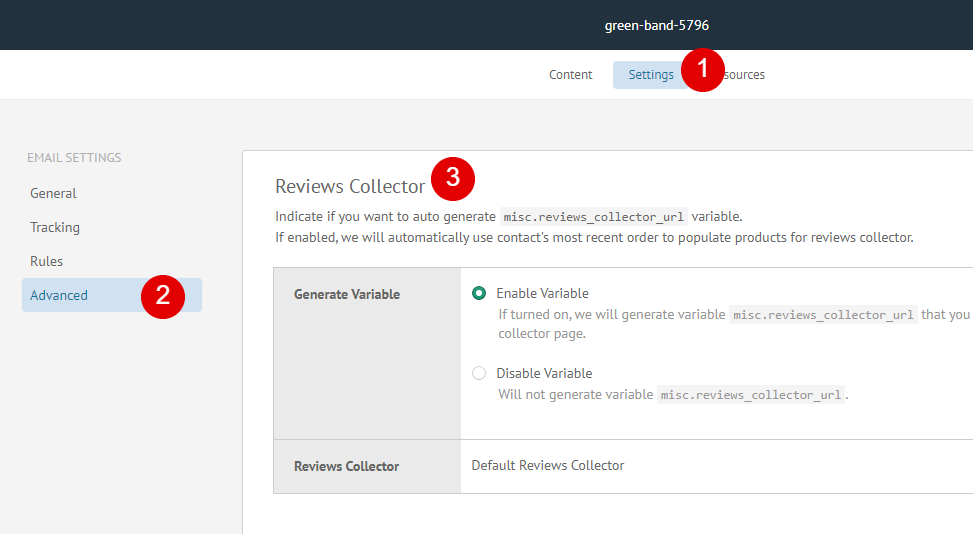
After that, go to Settings > Advanced > Reviews Collector of email and specify reviews collector used for generating misc.reviews_collector_url variable. This variable will link users to reviews collector page.
Setup Product List Block
Next, go to email content and drag product list block.
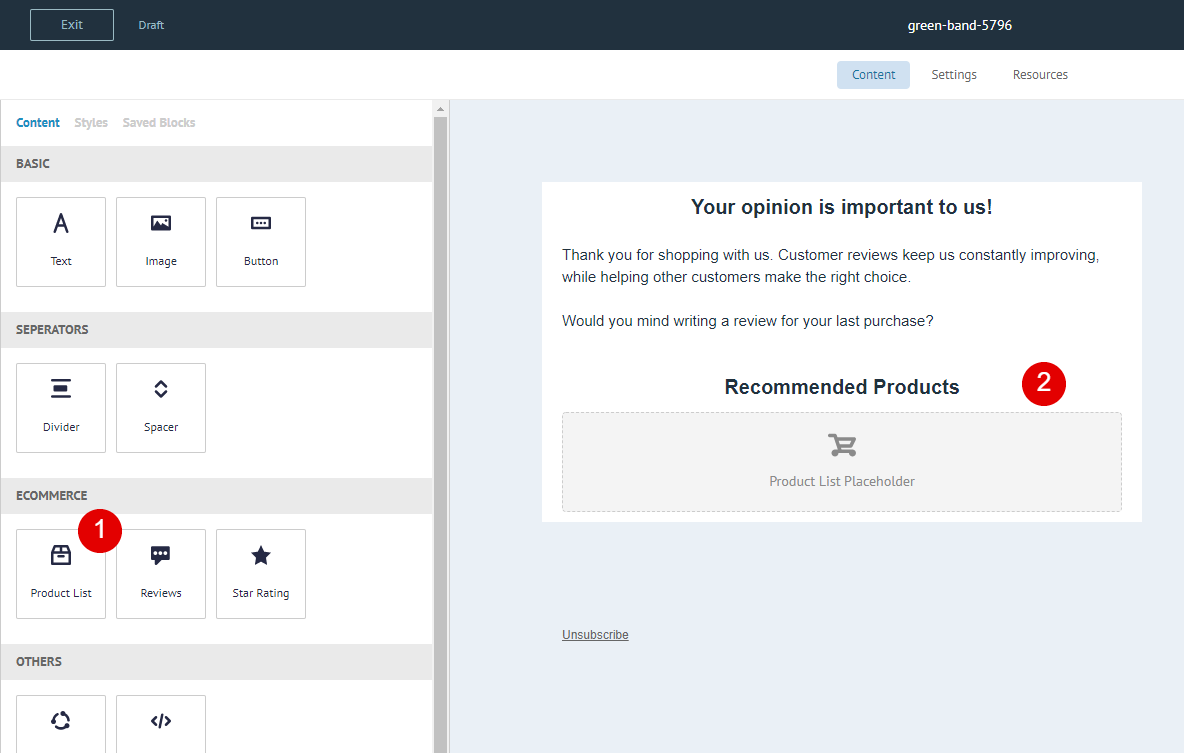
Then make the following adjustments to product list block.
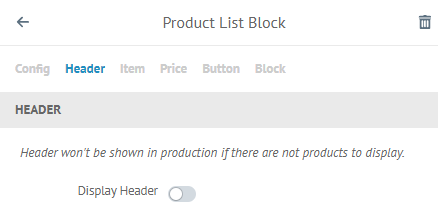
Turn off header for product list block.
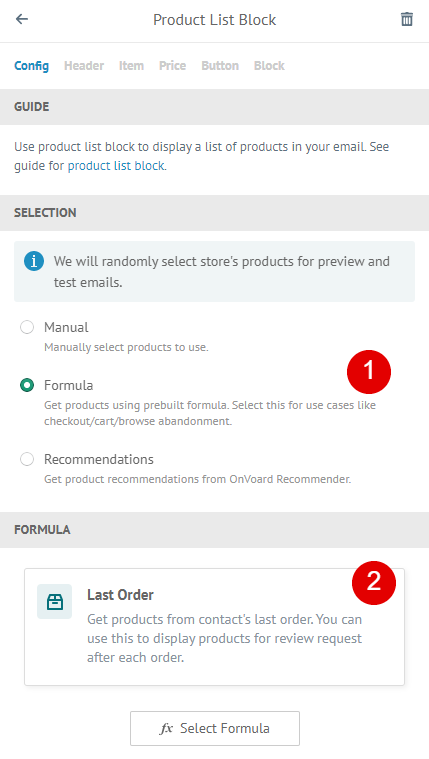
Select Last Order for Formula.
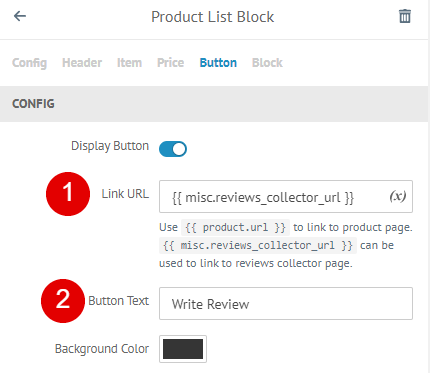
- For button, update Link URL to
{{ misc.reviews_collector_url }}so that we will be directing users to reviews collector page when they click on button. - Change Button Text to
Write Review
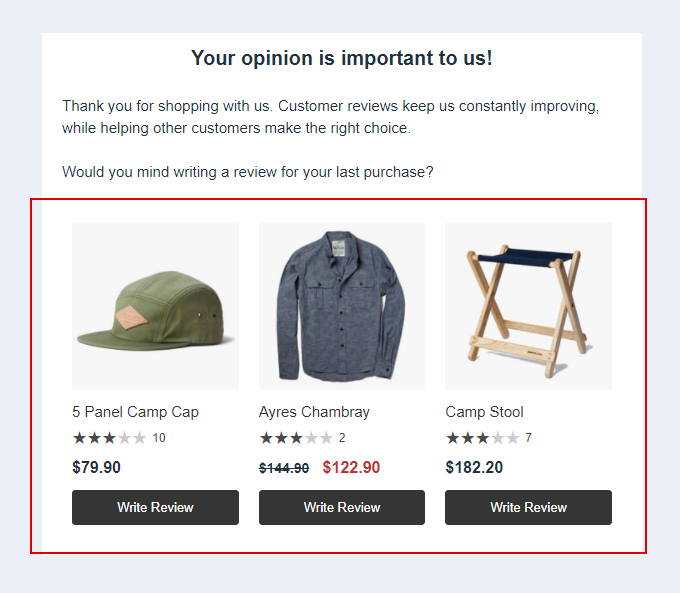
That's it! Now product list block will display products from contact's last order and direct users to reviews collector page.
