
Sending to users who've opted-in to marketing emails
When setting up emails, you can indicate that you want the email to only be delivered to contacts who've opted-in for marketing emails.
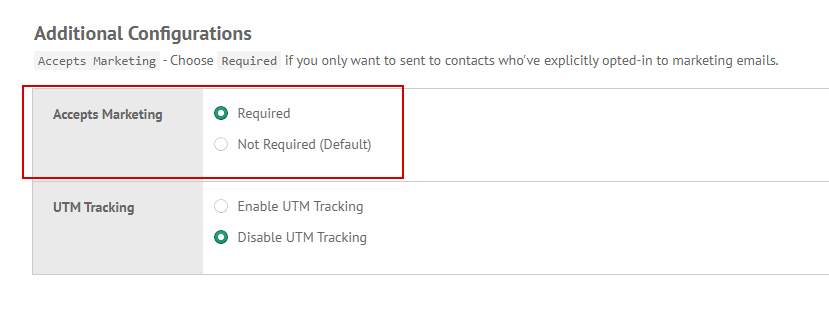
Go to Settings tab and locate Accepts Marketing config and set Required. With this config, we will automatically skip contacts who've not opted-in for marketing emails.
We recommend using this config for broadcasted emails such as newsletters and announcements.
