
How to set points expiry?
You can configure merchant settings to expire points after certain periods if member didn't engaged with program. Setting points expiry may help to boost engagement rates since customers would need to continuously engage with your store in order to make full use of their points.
To set points expiry, go edit merchant settings. Scroll to Points Expiry section and turn it on.
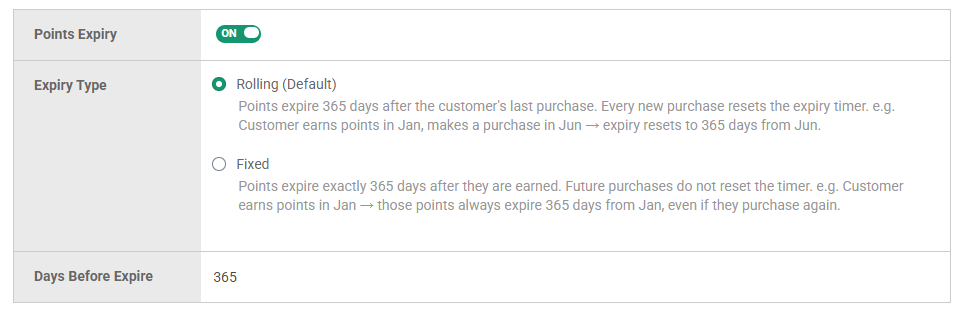
Below are configurations for points expiry.
Expiry Type
Rolling (Default) - Every new points earned resets the expiry timer.
For example, let's say expiry days is 365.
Customer earns points in Jan
Makes a purchase in Jun to earn additional points
Expiry resets to 365 days from Jun.
Fixed - Points expire exactly X days after they are earned. Future purchases do not reset the timer.
For example, let's say expiry days is 365.
Customer earns points in Jan
Those points always expire 365 days from Jan, even if they purchase again.
Days Before Expire
Number of days before points expire. Must be at least 90. If unsure, we recommend sticking to 365.
