
Install ActionPop on EasyStore
Install ActionPop App
EasyStore merchants can use ActionPop by installing the app from EasyStore app store.
Setup ActionPop
Go to campaigns page and add a new campaign.
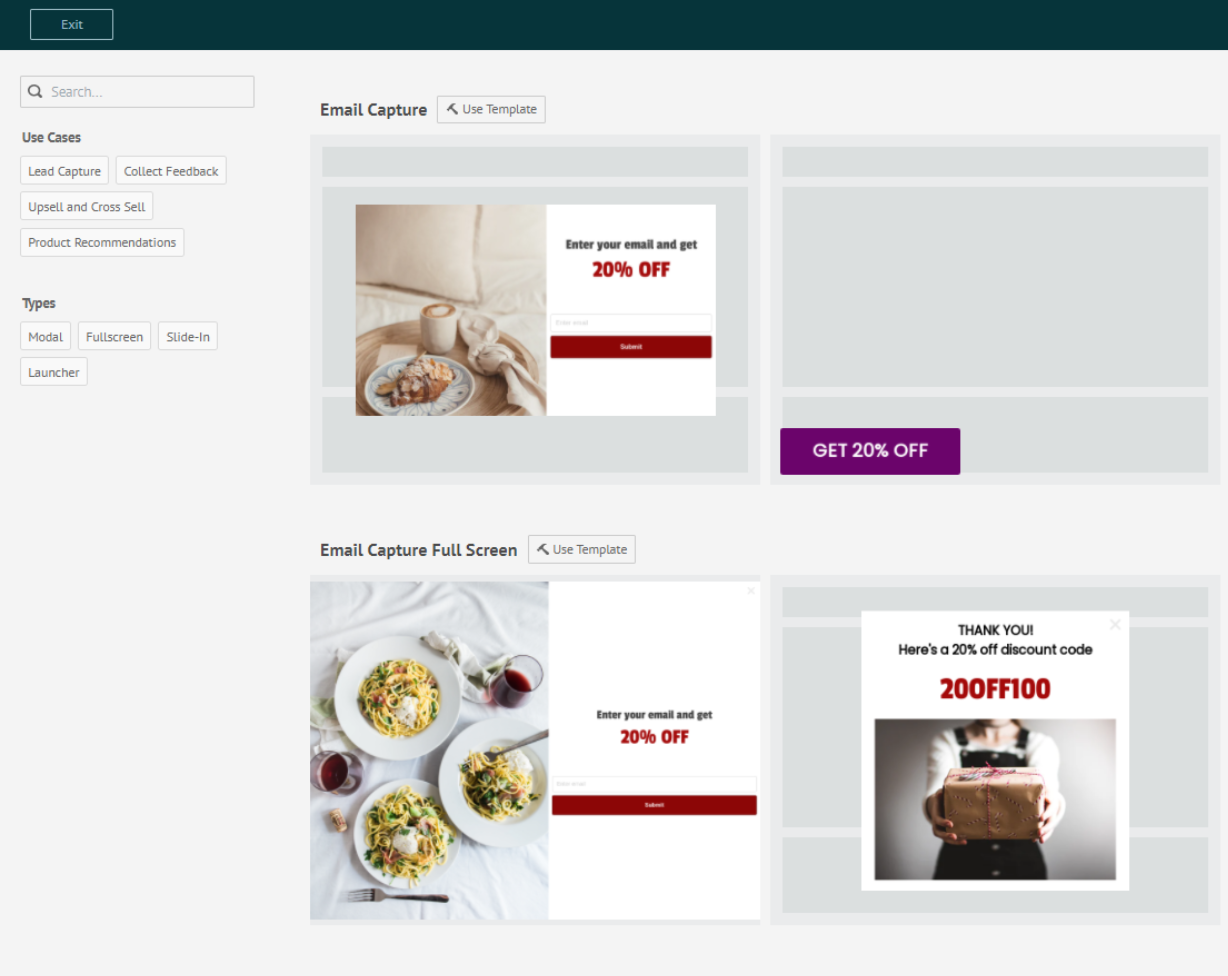
Select template to use for campaign. Then customize styles and configurations according to your preferences before saving.
Sync Response
To sync response to other platforms, see integrations guide.
Need help installing?
If you need additional help to install, you can contact us.
What's Next
We recommend reading the following articles to further understand how you can customize campaign.
