
Product List Block
Product list block can be used to showcase products in campaign. To use product list block, OnVoard must to be connected to your ecommerce store have imported your store's products. You can view imported products here.
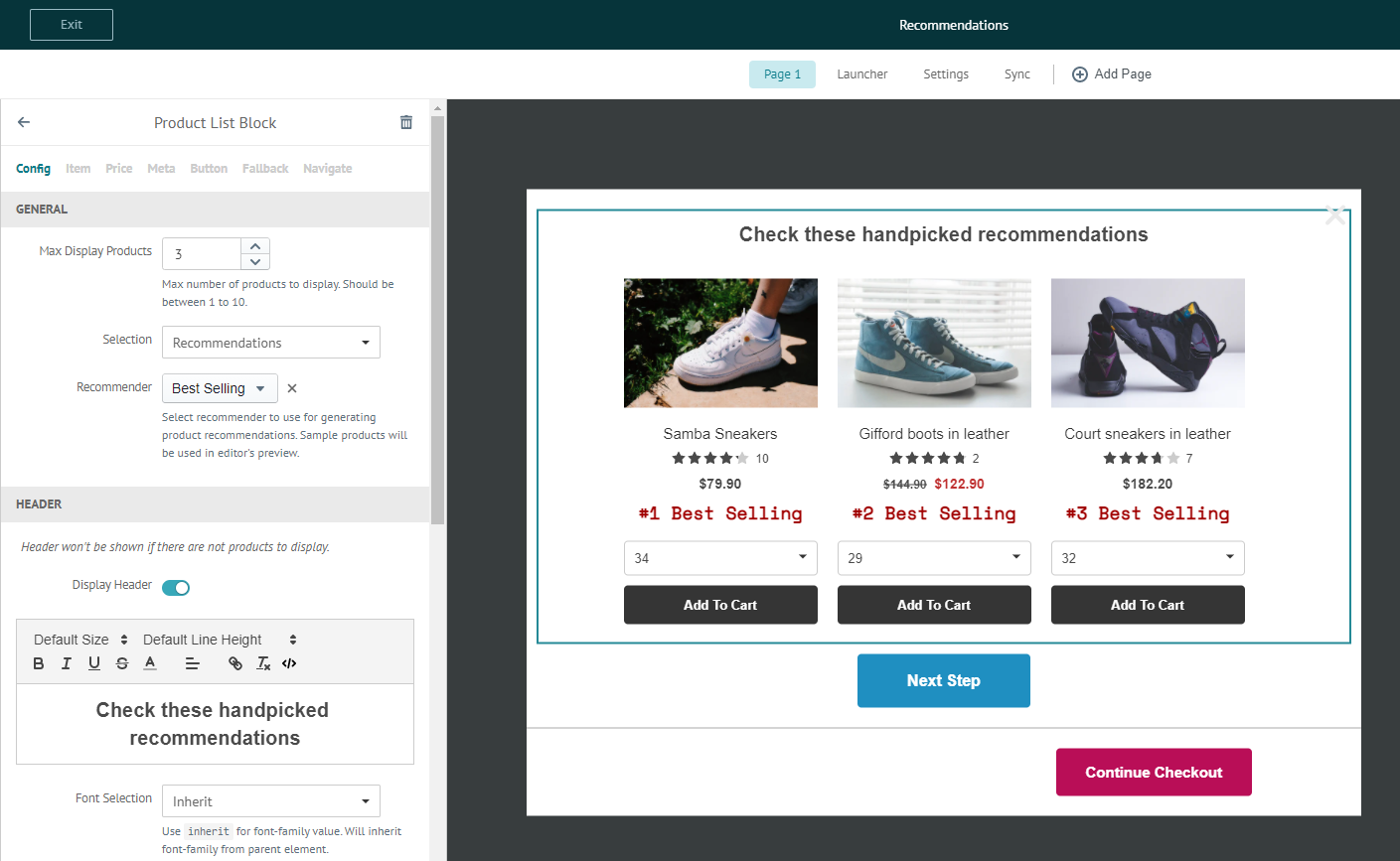
There are 2 ways to select products to show in product list block.
Manual
Manually select products for product list block. Products shown will be the same for all users.
Recommendations
Use recommender to generate product recommendations. This approach is much more powerful and opens up options for you to generate product recommendations like:
- Also Bought
- Recently Viewed
- Best Selling
- Trending
- New Arrivals
- Discounted Items
- Top Rated
- Recently Sold
1) Install Product Recommender
To use this approach, you need to first install product recommender.
2) Setup Product Recommender
After installation, go to recommenders page and add a new recommender.
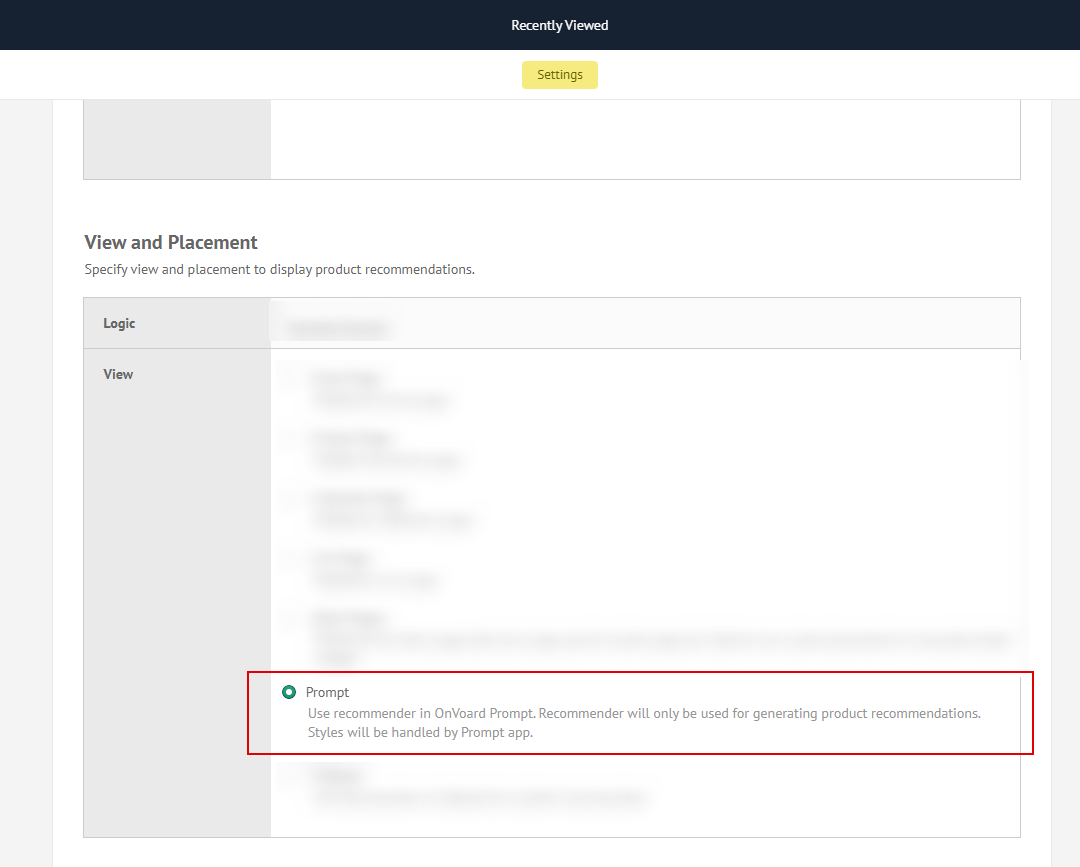
In the recommender editor's View and Placement section, set View to ActionPop, then save the recommender. After created, this recommender will be eligible for Campaign's product list block.
3) Select Recommender for Campaign
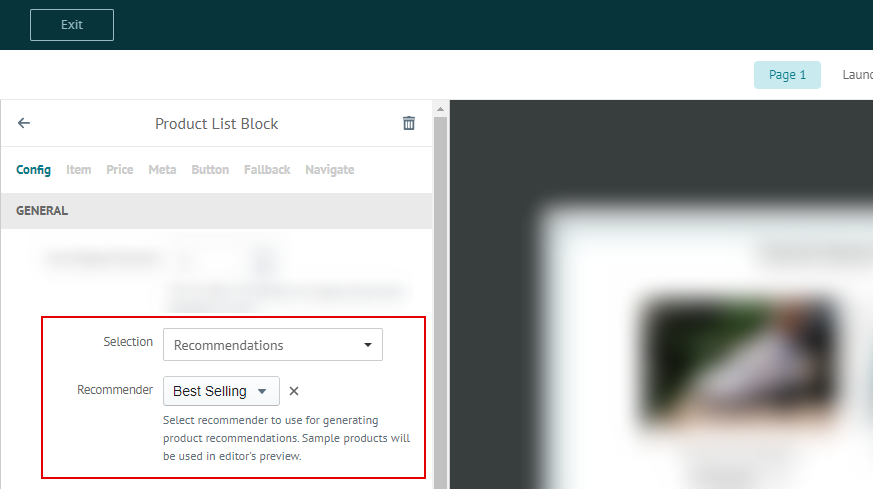
To use recommender for Campaign's product list block, set Selection to Recommendations, then select the recommender to use.
