
Inline Forms and Embed Campaigns in your page
Every ActionPop campaign can show as a popup or as an embed that lives inside your page. In the campaign editor, set Show as to choose between them.
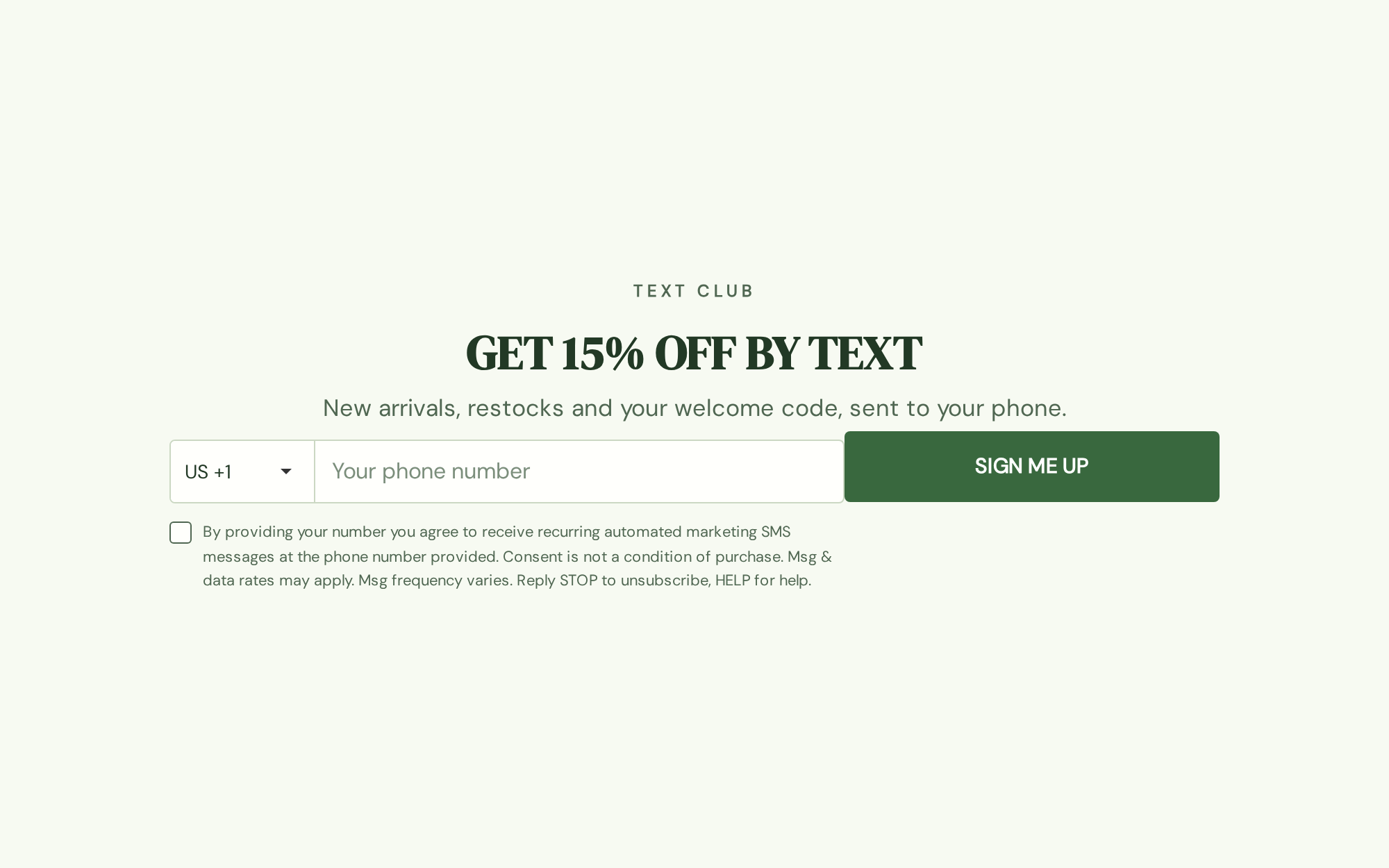
ActionPop goes beyond just popups. You can embed forms like email subscribe, sms subscribe within your page.
Popup or Embed
A popup appears over your page at whatever moment you choose to trigger it: on load, on exit intent, on a click, on add to cart. An embed skips all of that.
It sits inside your page as regular content, right where you place it. It's there every time that page loads, with nothing to trigger and nothing to time. Set Show as to Embed, and the rest of the settings panel adjusts to match.
Automatic display settings do not apply to embeds
Switch a campaign to Embed and its automatic display settings no longer apply. That's not a bug.
Automatic display settings answer when a popup should interrupt the visitor. An embed never interrupts anyone. It's already part of the page, the same way a paragraph or an image is, so there's no moment to trigger and no frequency to cap.
Targeting rules still decide whether to show it at all, for this visitor and on this page. A popup you'd only ever show once still needs to know who it's for, and so does an embed.
Where the embed goes
Save the campaign, then find Campaign ID and set Placement in the campaign editor.
If you're on Shopify
Open your theme editor, add the ActionPop Embed app block to any section, and paste in the Campaign ID. That's the whole install, no code involved.
On any other store
You get 2 ways to place it. Pick CSS Selector and point it at an element already on your page, your product description, for example.
Then choose whether the embed lands before or after that element, or inside it at the top or bottom.
If you'd rather see it than guess it, Placement Tool opens your live storefront so you can click the exact spot and have the selector filled in for you.
Prefer to place it by hand? Switch to Custom Snippet and copy the generated div straight into your theme wherever you want the embed to render.
Need help installing?
If you need additional help to install, you can contact us.
What's Next
We recommend reading the following articles to further understand how you can customize your campaign.
